 11
11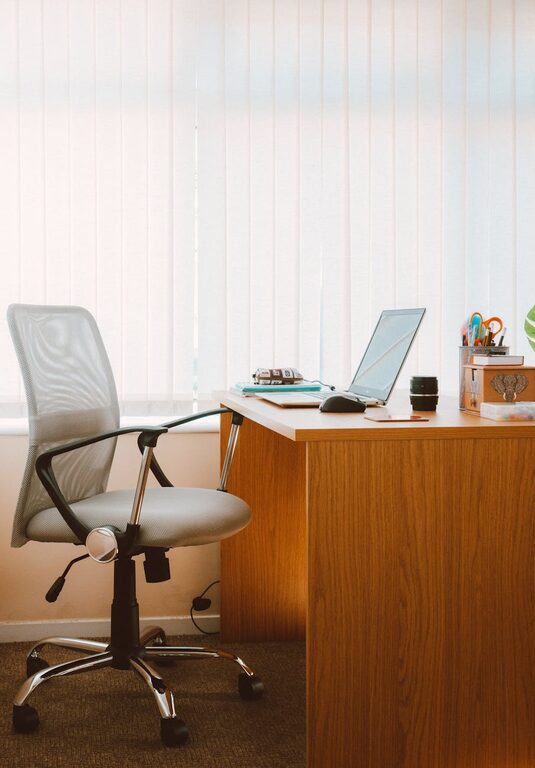
Creating a home office that feels cozy and functions efficiently can make a big difference in your work-from-home experience. Whether you have a dedicated room or just a small corner, with some thoughtful planning and design, you can build a workspace that supports productivity and well-being. Here are some practical tips to help you create a home office that you’ll enjoy spending time in.
Finding the best spot for your home office is the first and most important step. Ideally, select a quiet area away from high-traffic zones or distractions. If possible, pick a room with plenty of natural light to boost your mood and reduce eye strain. A corner near a window or a spare room can work well.
If you live with others, think about using a room with a door to keep noise out. Alternatively, noise-canceling headphones or white noise machines can help maintain focus.
Your office furniture should blend comfort with function to keep you focused throughout the day.
– Ergonomic Chair: Look for a chair that supports your back and encourages good posture.
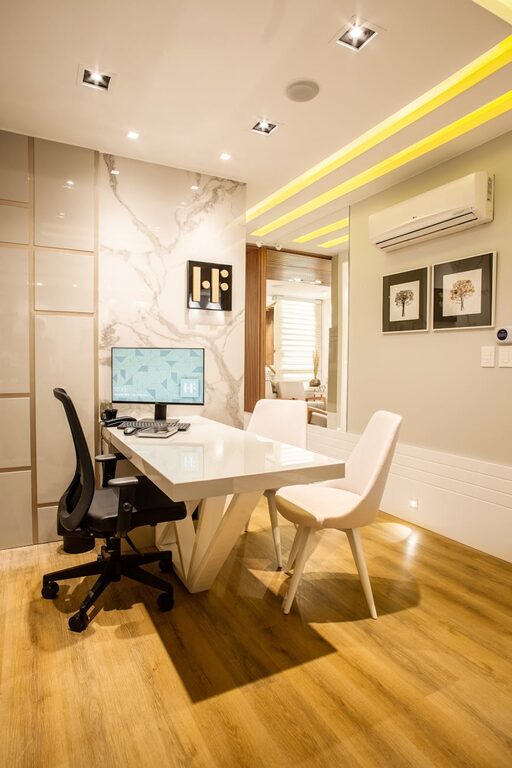
– Desk: Choose a desk with enough surface area for your computer, office supplies, and any other tools you use regularly.
– Storage Solutions: Integrate shelves, drawers, or filing cabinets to keep your workspace organized and clutter-free.
Consider adjustable desks or chairs so you can shift between sitting and standing positions, which helps reduce fatigue.
Good lighting is essential for both comfort and reducing eye strain.
– Maximize Natural Light: Position your desk near a window, but be mindful of glare on screens.
– Add Task Lighting: Use desk lamps with adjustable brightness to illuminate your work area during darker hours.
– Use Warm Light: Warm, soft light tones create a cozy atmosphere that can help you relax during breaks.
A personalized office feels welcoming and inspiring.
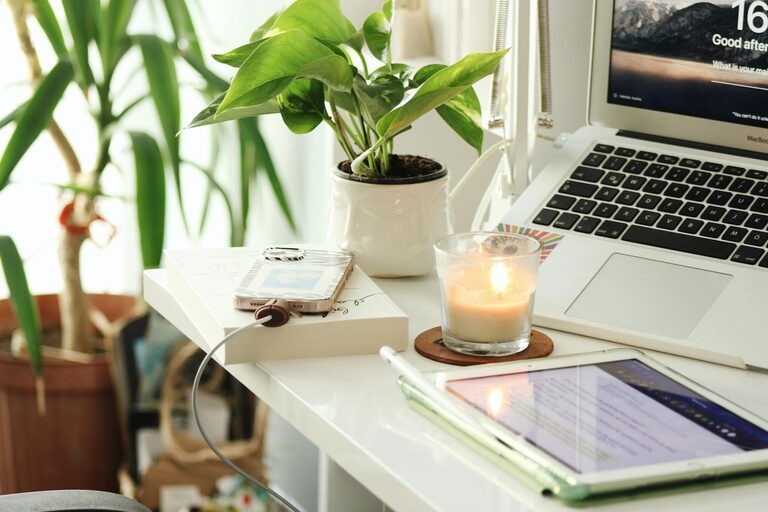
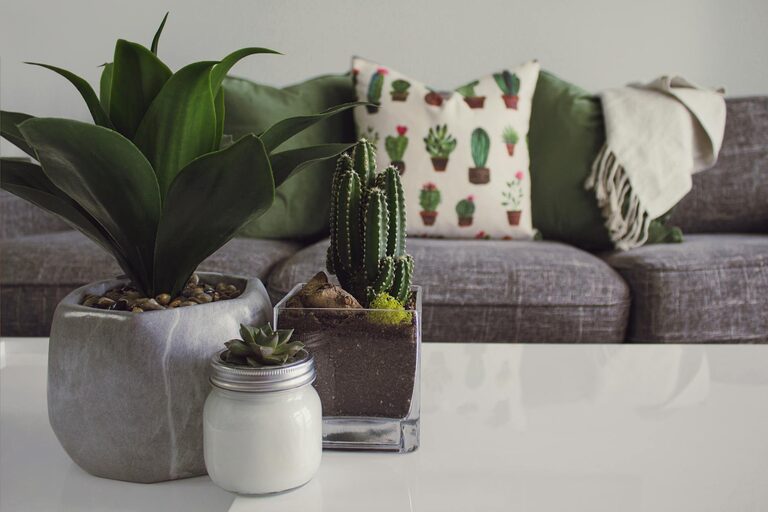
– Add Plants: Indoor plants improve air quality and create a calming environment.
– Choose Colors You Like: Paint the walls or add decor in soothing colors that help you stay calm and focused.
– Incorporate Personal Items: Photos, artwork, or meaningful objects can make the space uniquely yours without causing distractions.
Clutter can negatively impact your productivity and mood. Establish systems to keep your office tidy:
– Use Organizational Tools: Desk organizers, cable clips, and trays can keep supplies in order.
– Limit Paper Overflow: Switch to digital when possible to reduce piles of paperwork.
– Set a Cleanup Routine: Spend a few minutes at the end of each day tidying your desk to start fresh the next morning.
If space allows, design distinct areas within your office for specific activities.
– Work Zone: Your desk and computer for focused tasks.
– Reading or Brainstorming Nook: A comfortable chair or small sofa with a lamp for reading or thinking.
– Storage Zone: Shelves or cabinets for books, supplies, and equipment.
Separating zones can help your brain associate different areas with specific activities, enhancing concentration and creativity.
Keep your technology organized and efficient.
– Use Wireless Devices: Wireless keyboards, mice, and printers reduce clutter.
– Cable Management: Employ cable organizers or tubes to keep cords neat and prevent tangling.
– Reliable Internet Connection: Ensure you have a stable internet connection for video calls and online work.
To maintain productivity, it’s important to take care of your comfort and health.
– Air Quality: A well-ventilated room with fresh air helps you stay alert.
– Break Area: Have a space nearby for quick breaks or stretches.
– Temperature Control: Use fans, heaters, or humidifiers as needed to keep the room comfortable.
Building a cozy and functional home office shouldn’t feel overwhelming. Start with the essentials—location, furniture, and lighting—and then personalize it to suit your tastes and needs. A thoughtfully designed office helps you work more efficiently while enjoying the comfort of your own home. Small changes can make a big difference, so experiment and adjust your setup until it feels just right. Happy working!